
How Power Query Cleaned My Data (And Saved My Sanity)My Story from "Data Janitor" to Automation Architect
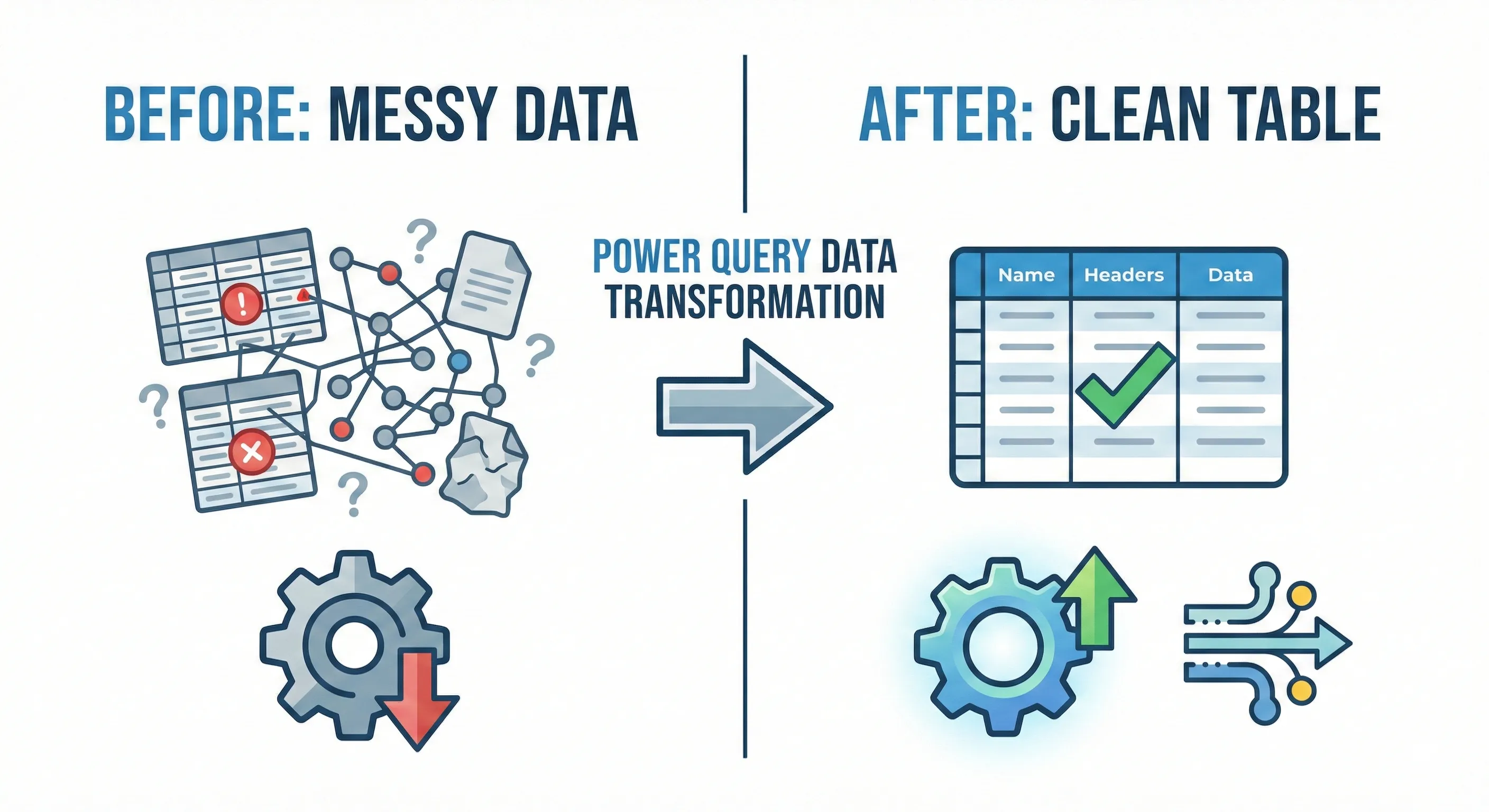
Let's align on one thing: Excel runs the financial world. It is the go-to tool. But while most of us know Excel, surprisingly few know about the term "Modern Excel."
My personal journey started 13 years ago as an Article Clerk. My skills grew year by year-mastering complex Formulas and VBA. Then, I had a revelation that changed everything.
#1The "Modern Excel" Shift
People call it "Modern Excel." I call it "The Stuff That Actually Works." It refers to a specific set of powerful Data Transformation tools added to the ecosystem way back in 2010. The architecture stands on three pillars:
Power Query
Get & Transform Data
DAX
Data Analysis Expressions
Power BI
Visual Analytics
#2The Revelation: No More Code
For me, Power Query was magical. It completely shifted how I viewed spreadsheets and data as a whole.
I have always believed in automation. In the past, this meant wrestling with complex nested formulas or writing VBA macros. Let's face it: mastering VBA is hard. It requires a programming mindset. Power Query, by comparison, is incredibly accessible.
"I have replaced all my VBA codes-which I had developed after many trials and errors-with Power Query workflows."
Now, I can connect to a rich set of external data sources (or even local tables), collect them, clean them, and load them directly into Excel or Power BI.
#3How It Actually Works: The "Recorded Steps" Concept
Think of the Power Query Editor as a VCR for your data cleaning process.
As you prepare your data using the simple user interface (clicking buttons like "Remove Top Rows" or "Split Column"), the tool records a sequence of transformation instructions.
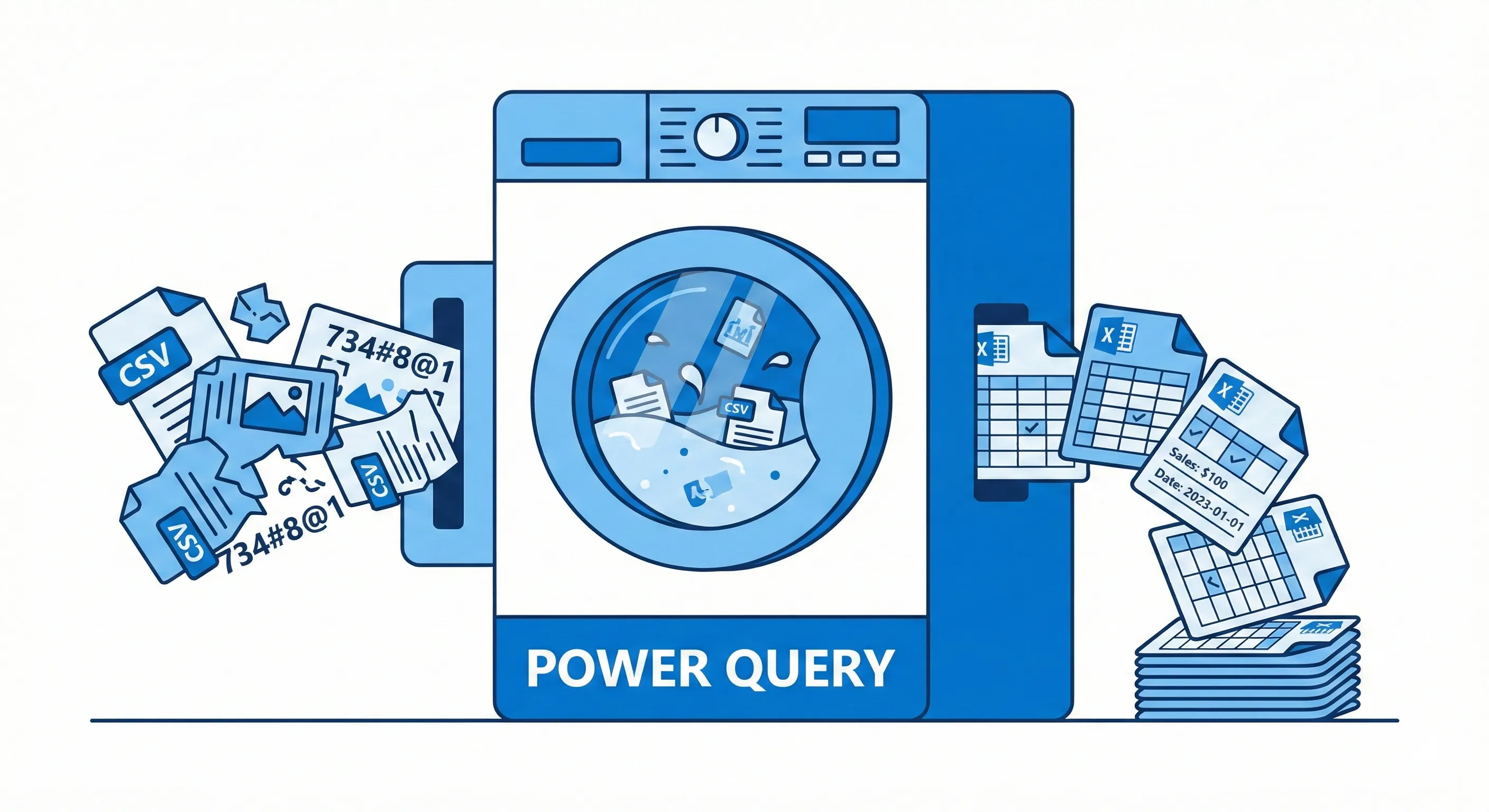
The "Refresh" Workflow:
- Build Once: You define the cleaning steps on your sample data.
- Load: You output the clean data to an Excel Table or Pivot Table.
- Automate: Next month, when new data arrives, you simply click Refresh.
- Done: The stored sequence runs automatically, saving you hours (or days) of repetitive manual work.
Think of it like Macro Recording, but it actually works and doesn't crash. It is much simpler, more robust, and easier to edit later.
#4Connect to Anything, Combine Everything
You can import data from almost anywhere to reshape it into a proper tabular structure. Some of the supported references include:

- Excel Workbooks & Tables
- CSV & Text Files
- Websites (scraping tables)
- SQL Server, Oracle, & SAP Databases
- Salesforce, Facebook, & YouTube Analytics
The true power lies in Combining. You can merge a SQL database export with a local CSV mapping file and a live exchange rate from the web-all into a single structural dataset ready for reports. Setup once, refresh forever.
#5Success Story: Dynamic Dashboards Without Formulas
Being an Accountant, the only additional skill you need to completely automate your reporting is Pivot Tables.
I was able to create a complex MIS reporting system with more than three cost centers, various overhead sections, and deep complexity-all without spaghetti formulas. I used just one formula that is rarely used: GETPIVOTDATA.
The result? A completely dynamic Excel Dashboard that uses zero standard calculations. I simply add more data to the source file, hit Refresh, and the entire dashboard updates automatically. It felt like magic.
Frequently Asked Questions
How do I get Power Query?
If you have Excel 2016, 2019, 2021, or Office 365, it is built-in under the Data tab as "Get & Transform Data". For Excel 2010 (32-bit) and 2013, it is available as a free add-in from Microsoft.
Is it hard for non-programmers?
No. It is designed specifically for Excel users, not developers. If you can use the Excel Ribbon, you can use Power Query. There is no code to write for 90% of tasks.
Can I transform PDF data?
Yes! In newer versions of Excel (Office 365), there is a dedicated PDF connector that can extract tables from PDF documents and clean them automatically.
What happens to my source file?
Nothing. Power Query is non-destructive. It reads your messy source file and creates a new, clean version in your destination. Your original data remains safe and untouched.
Can it handle millions of rows?
Yes. Unlike standard Excel sheets which cap at 1 million rows, Power Query can process millions of rows by compressing data in the Data Model. I have personally built reports on 15-million row datasets without crashing.
Is it worth learning if I know Python?
Absolutely. Python is powerful, but Power Query is integrated. For quick, auditable transformations that your non-coder colleagues can also maintain, Power Query is unbeatable in a corporate environment.
Ready to Automate Your Reporting?
Fellow accountants, give this powerful tool a try today. Stop the manual grind and start acting as a Data Architect.